The manual » Register
1. Enter your email address
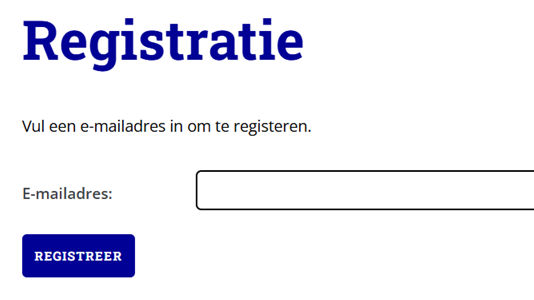
After clicking “Register,” you will see a screen similar to the image above. To register, enter your email address and then click the “Register” button.
2. Email sent
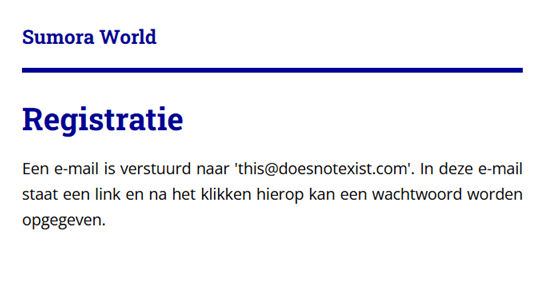
You will receive confirmation that an email has been sent to the email address you provided. Go to your email account to view the email you received.
3. Email received
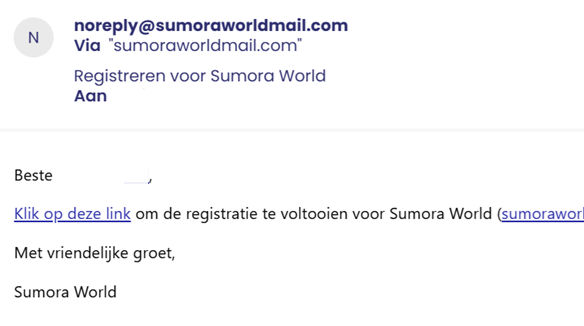
The email you received was sent from noreply@sumoraworldmail.com and has the subject line “Register for Sumora World.” You will receive a link to complete your registration. Click on the link to return to the website, where you will be asked to enter a password.
4. Strong password
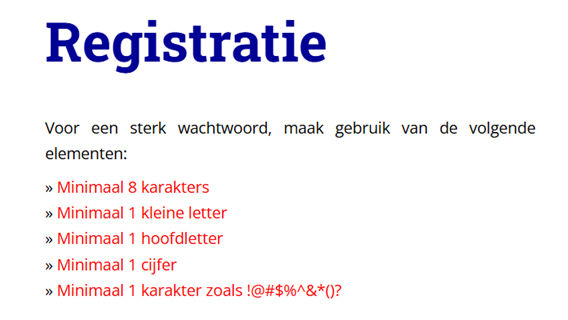
First, you will see what is required to create a strong password. The requirements are currently marked in red. When you use one of the options, the color changes to black. A strong password is not mandatory, but it is recommended.
5. Complete registration
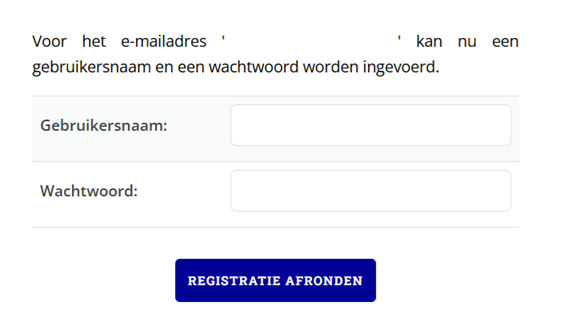
Your username is the name that everyone will see in the rankings. You can only change your username once every 30 days. Your username can be up to 15 characters long.
After entering your username and password, click on ‘Complete registration’. You will then be logged in automatically and a loading screen will appear. Once all data has been loaded, you will be taken to the home page.